Import Outlook mails to thunderbird without Account


Published on:
📄 Note
I had some outlook backup files and I wanted to open them in Thunderbird. I spent some time figuring out how to do it. So, documenting it here. There might be better ways to do it, but it these steps worked for me.
-
Convert PST file to MBOX using PST converter tool like libpst (search in your package manager, and you will find it).
-
Create a folder in your system, this will be used to store the mails.
-
Copy the MBOX file to the folder you created and if it has a file extension, remove it.(e.g., example.mbx to example)
-
Repeat the above step if you have multiple .pst files
-
Add the folder you created to Thunderbird.
Settings -> Account Settings-> Account Actions -> Add Local folder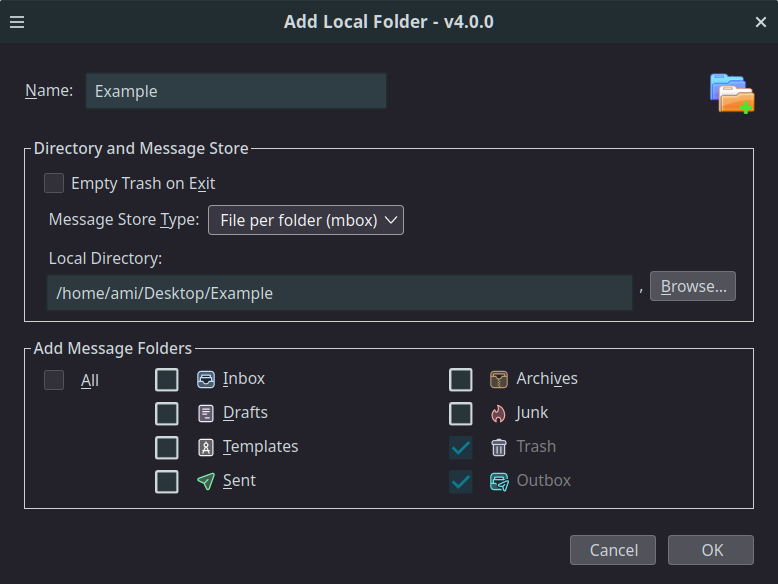
(If you don't see Add Local folder, install LocalFolders Extension).
-
Close and open Thunderbird, and you should be able to read your Outlook mails.
Interactions
No interactions yet.